A little gravity.
A whole new
way around.
Send a small probe on a big journey.
Find the angle. Feel the pull. Discover an orbit.
Free in your browser. No account or download.
 Your departure. Gravity’s beautiful detour.
Take the
scenic orbit.
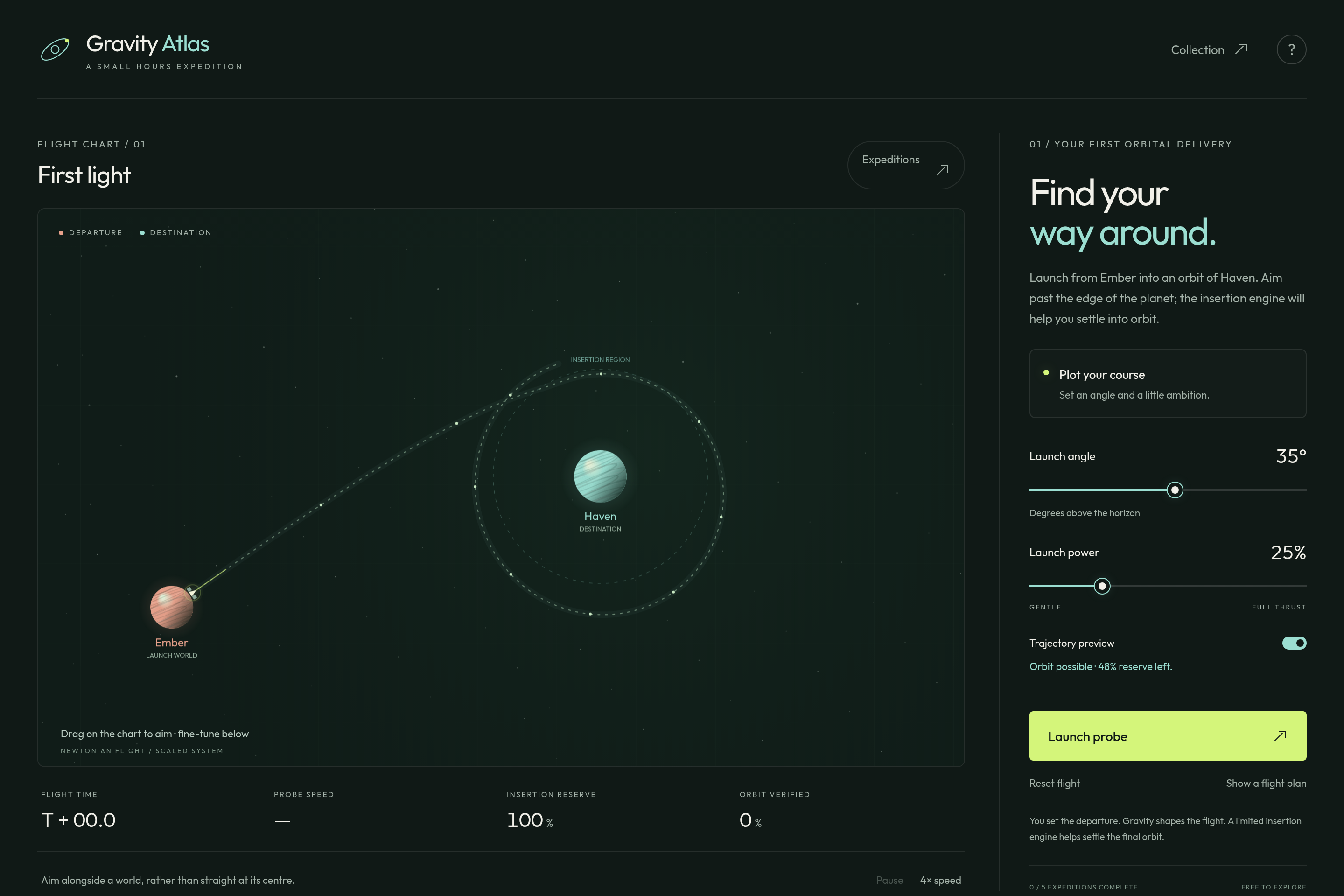
Set the launch angle and power. A dotted projection helps you find your feet on the first expedition. It shortens on the next two courses, then disappears as you learn to read the pull of nearby worlds.
Arrive alongside Haven and a limited automatic insertion engine helps settle the probe into orbit. Later, fly past moving Lilt to borrow momentum before the final arrival. Every attempt is a chance to notice something new.
Plot your courseShape. Launch. Discover.
- 01
Choose the departure.
Touch and drag the aim handle, or swipe up and down on the chart to change your angle. Set the power with the slider. Projections gradually give way to your own judgement.
- 02
Follow the curve.
Gravity bends the probe’s path. Pass safely alongside the destination; a direct hit won’t become an orbit.
- 03
Go a little further.
Verify one complete safe orbit, then try a course that needs a momentum-gaining flyby. Example flight plans are there whenever you want a hand.
Before departure.
Does it use real physics?
The probe follows Newtonian gravity in a scaled, two-dimensional system. Worlds use prescribed paths. A finite automatic insertion burn removes arrival energy; gravity alone does not automatically capture a fast incoming probe. It’s a spaceflight puzzle, not a real mission-planning tool.
What counts as a gravity assist?
A safe pass through moving Lilt’s sphere of influence that measurably bends the trajectory and increases the probe’s speed. The later courses require that assist as well as a complete orbit of Haven.
Can I play on my phone?
Yes. The chart and launch controls adapt to mobile and desktop browsers. Touch, mouse, and keyboard slider controls are supported. JavaScript is needed to simulate flight.
Where is my progress saved?
Completed expeditions stay in this browser when storage is available. There is no account sync or leaderboard for Gravity Atlas. Clearing browser storage can remove progress.